Calibre for your digital TTRPGs (and other things you might read)
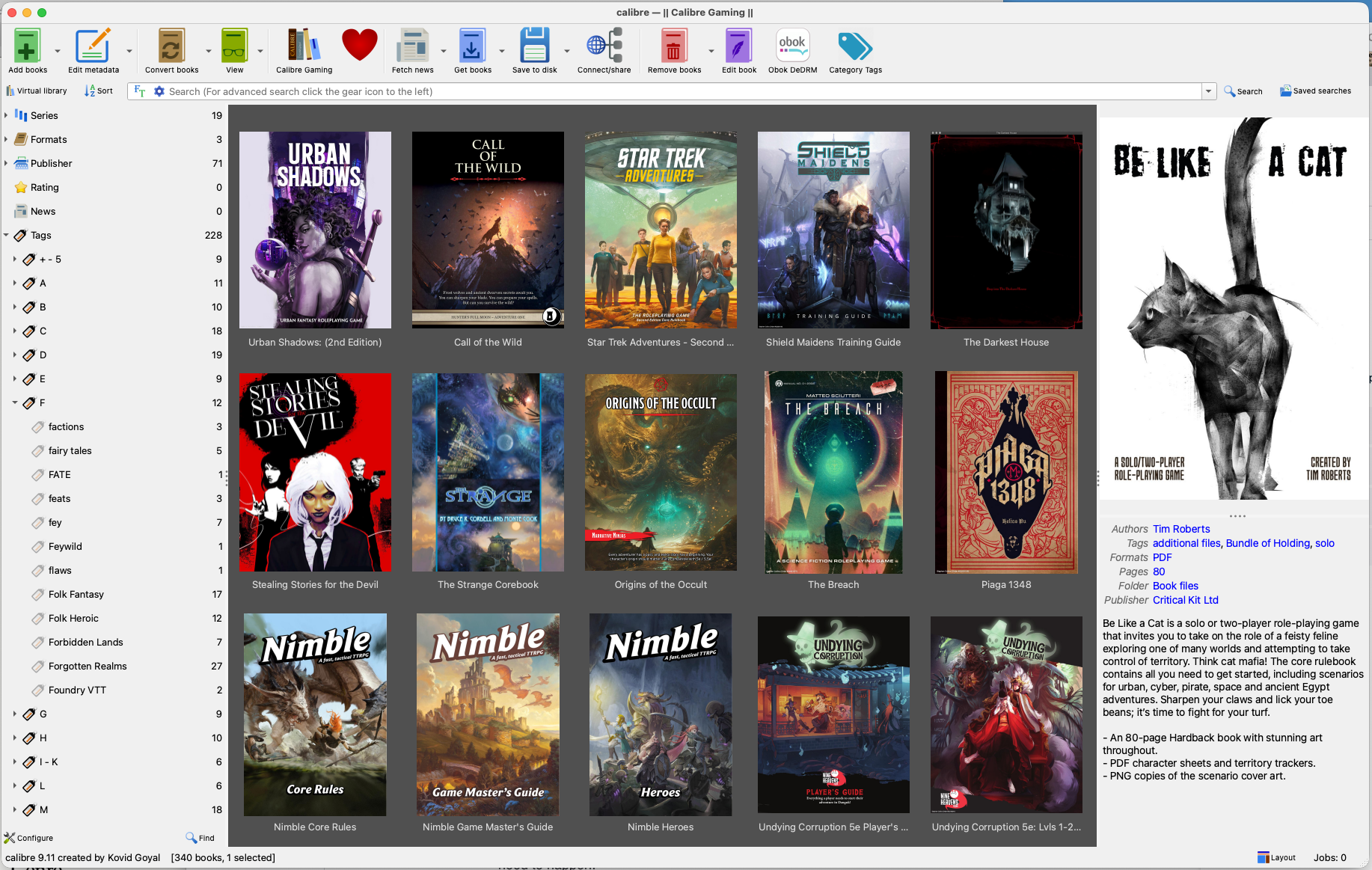
So, it's been a month since I last posted! That's remiss of me... Things have been afoot; family visits, work, harvesting firewood as we're entering winter here in SE Australia, and life generally. Something TTRPG-related I have achieved is getting all my TTRPG materials in digital form—EPUBs and PDFs mostly—into a fresh Calibre library. It's taken me about 10 days, spending a cope of hours a day on the task.
I was inspired to do this by Silver, over at their blog. Not a huge amount has changed since that post was written 6 years ago, so I won't revisit it all, but I will touch on the things that I found interesting, challenging, or changed. If you already use Calibre, much of this might be familiar to you.
I suggest strongly that you create a new library for your TTRPG content, and put it somewhere near to your existing TTRPG files (I expect if you are like me, you have many of these thanks to Humble Bundles, Bundles of Holding, and various things from Kickstarter and other crowdfunding, as well as items picked up for running particular games or adventures), which are hopefully organised in some way.
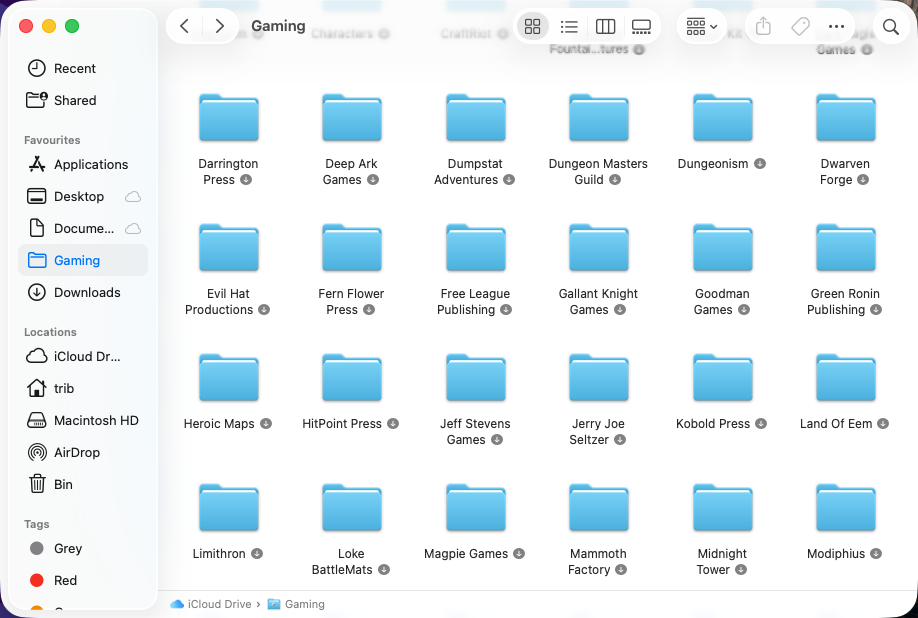
That being the case, as you add each publication to Calibre, a few things happen, and you'll want to be across them.
- Calibre copies the file to the library, doubling the instances of the file you have; you will need to decide whether you now want the one true file to be the one in Calibre, or to keep a copy back with all your other TTRPG files. I have chosen to let Calibre do the work here, and deleted the copy amongst my other TTRPG materials, thus saving a lot of storage space. Where products have multiple additional files, I leave those in place on the drive and add a tag to the product metadata that lets me know they exist.
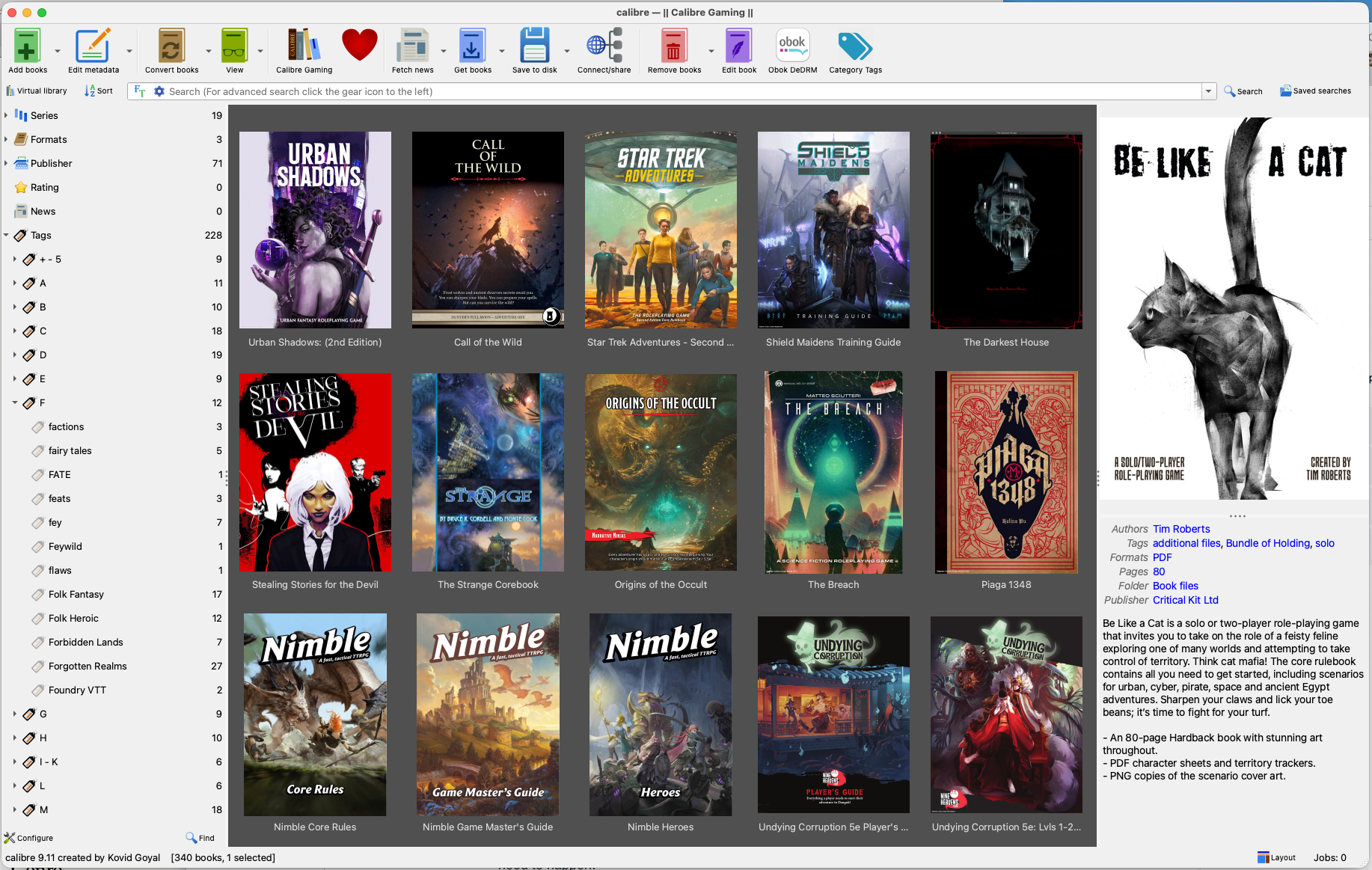
Only 340 ebook TTRPG things... - You need to add metadata to the items in your library - there are excellent Calibre plugins for the various OneBookshelf properties (DriveThruRPG, DMsGuild, etc.) maintained by Justin Miller on Github. Download and install them, after which you can add metadata to your files if you sourced them (or they exist on) DriveThruRPG or DMsGuild. The plugins pull metadata based on the unique ID of the product. In most cases, I needed to manually provide the ID to Calibre rather than it pulling when I requested it. The excellent metadata manager will do a lot of the heavy lifting for you.
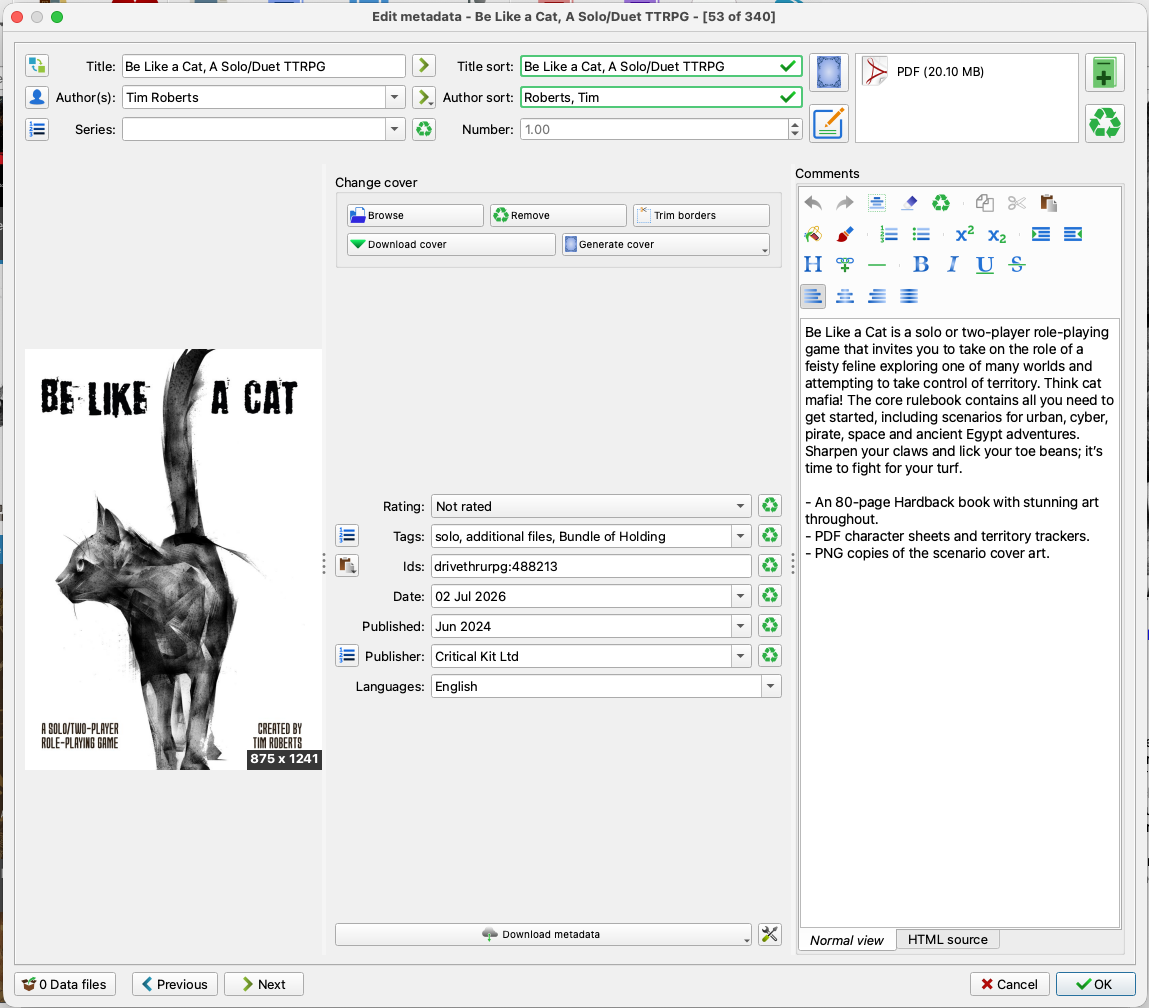
Many options! Quality metadata is your friend. GIGO. - Tags! - as an internet old of a certain type, I happen to be friends with a man by the name of Thomas Vander Wal. He's the person who invented the concept of folksonomy, or tagging, for web content. You will need to come up with a folksonomy of your own.
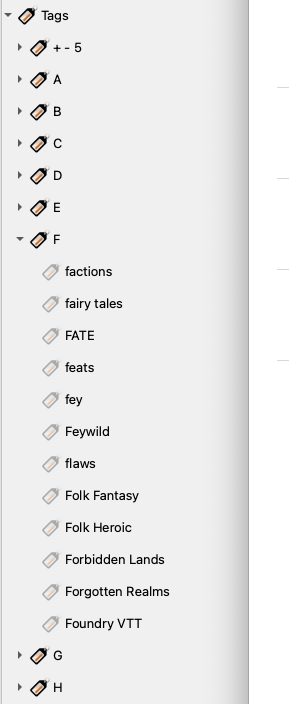
He who dies with the most tags... I have 228 tags at present, rooted in Mike Shea's Defining TTRPGs with Tags and adding a bunch more including systems, types of content, subject matter, and so on. Add as many tags to each item in your library as makes sense to you.
- Calibre handles multiple formats - Calibre understands that you may have an item in multiple formats. Some of the products I have are in PDF, EPUB, text files, and even Markdown. You can have Calibre recognise this, though I have not yet done this; I need to read up on how and remedy this in coming weeks.
So now, my entire TTRPG digital library is searchable, readable, and easy to parse. It's a lot handier than crawling a file system for products, even with my fairly useable publisher-centric organising system.
I recommend having a go at this, especially if clear and well-managed organisation is your thing.


Comments